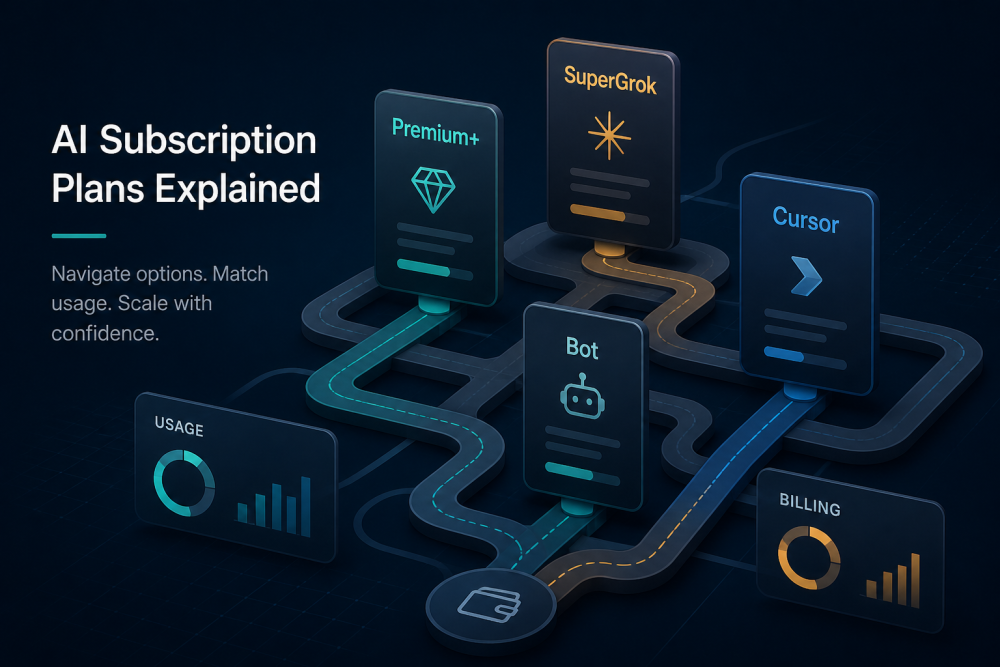
The xAI plan landscape is more complicated than it should be, and the practical buying decision comes down to whether you need X, X Money, Grok, Cursor, or Grok Bot most.
Executive summary: keep X Premium+ only if X Money or X itself justifies the cost, use SuperGrok for AI-first work, use Cursor Pro+ or on-demand for Grok Bot-heavy workflows, and avoid extra upgrades unless the live usage screen proves they add capacity.
xAI sells four products that look like one stack and bill like four. X is still a social platform. X Money is a U.S. fintech wallet and debit product. Grok Build is the terminal coding agent I currently use for many of my internal tools. Grok Bot is a persistent teammate on a cloud computer. They share branding, but they do not share one meter.
If you only remember one thing, remember this: a paid plan buys access and a usage grant, not a published number of tokens. That gap is why it is easy to buy the wrong upgrade.
The billing paths that create the confusion
There are two consumer billing paths. I subscribe to plans in both ecosystems, which is how I discovered that the usage grants do not stack:
- X subscriptions — Premium (about $8/mo) and Premium+ (about $40/mo). These buy X features first. Grok is bundled at unspecified limits.
- xAI / grok.com subscriptions — SuperGrok Lite (about $10), SuperGrok ($30), SuperGrok Plus ($100), SuperGrok Heavy (commonly $300).
Cursor is a third door if I use Grok Bot or the editor: Pro $20, Pro+ $60, Ultra $200. Bot access now rides on paid Cursor plans as well as linked SuperGrok/X Premium+ grants.
There is some crossover in the plans, too. The most obvious example is SuperGrok Heavy, which includes X Premium+.
The rule is simple: multiple subscriptions may qualify you for access, but the effective usage grant is the larger applicable grant, not the sum of every plan you hold. In my case, X Premium+ adds value through X Money, not because it meaningfully increases my Grok Bot capacity above Cursor.
Once that rule is clear, the products are easier to sort: X is about the social network, X Money is about cash, and Grok is about AI usage.
X: what the $8 and $40 plans buy
X Premium (about $8/mo or $84/yr). Blue check, extra editing tools, reduced ads, higher Grok limits inside X than free. It is not SuperGrok.
X Premium+ (about $40/mo or $395/yr). Ad-free X, larger reply boost, Radar / X Pro features, and the highest Grok grant that X itself advertises. Official Grok Bot docs list Premium+ as a linkable usage grant: “linked usage, below SuperGrok Plus.”
Premium+ is a good buy if you already live on X and want Money plus Grok in one bill. It is a weak buy if you only want AI. SuperGrok at $30 is the cheaper AI-only path, which is why I did not treat Premium+ as an AI upgrade. I bought it because the yield on cash I was going to park anyway makes the $40 worthwhile. The Grok grant is a side effect.
X and grok.com still sell overlapping Grok access from different sites. Paying both is easy. I do it on purpose: Premium+ for Money, SuperGrok for the AI work. I am not paying twice for the same meter.
X Money: why Premium+ matters to me
X Money is not a Grok token pool. It is a U.S. stored-value / debit product rolled out to Premium and Premium+ users. That is why I pay for Premium+: the interest on parked cash, not more Grok.
What is publicly described as of early September 2026:
- Access from the Money tab in the X app (U.S. users; a VPN can hide the tab).
- Partner bank deposits (Cross River is commonly named) plus a cash sweep that can spread balances across banks for advertised FDIC coverage up to $10 million. Standard single-bank FDIC is still $250,000.
- Advertised yields: 4% APY for Premium; 6% APY for Premium+ or for Premium users who receive at least $1,000 direct deposit in a trailing 34-day window. New York users have been excluded from the 6% rate in published write-ups — read the current terms.
- Visa debit (often a metal card with your handle), advertised 3% cash back on eligible purchases, no foreign-transaction fees, P2P inside X.
Cash-back terms are vague. Marketing does not publish a hard cap; the legal language says X can cap rewards and change the rate.
Risk notes, not hype. X Money is a fintech wrapper, not a traditional bank I have used for 20 years. Sweep insurance depends on partner banks receiving and titling the funds correctly. APY and cash-back can change. If I use it as an emergency fund, I keep a copy of the current terms and do not assume last month’s 6% is next month’s 6%.
That distinction matters because the next products use the same Grok name, but they solve very different problems.
Grok Build: terminal agent, shared Grok pool
Grok Build is xAI’s coding agent in the terminal (plan mode, diffs, subagents, MCP, hooks, headless mode). That is the tool I used to ship the billing app and the later internal tools. Official launch copy opened it to SuperGrok and X Premium+. Higher xAI tiers increase usage, but they do not change whether the feature exists.
There are now two things people call “Build.” I only mean the first one when I say I switched stacks:
- Grok Build CLI — the terminal interface developers install. This is the product developer teams usually mean.
- Build Mode in the Grok apps — one-prompt app generation. Access and limits have widened toward more plans. Do not assume CLI limits and in-app Build Mode limits are the same number.
Build usage on grok.com draws from the shared weekly Grok pool (Chat, Imagine, Voice, Build). That pool is not the Grok Bot weekly bar. A long coding session in Build can exhaust the grok.com pool while leaving Bot capacity untouched — or the reverse. I have watched one meter hit its limit while the other still had room.
Exact token budgets for Build are not published. SuperGrok Plus is sold as “significantly higher usage across Chat, Imagine, Voice & Build.” That is marketing language, not a token table.
That is where Grok Bot becomes the real decision point, because it has its own weekly meter and its own upgrade logic.
Grok Bot: the separate weekly bar
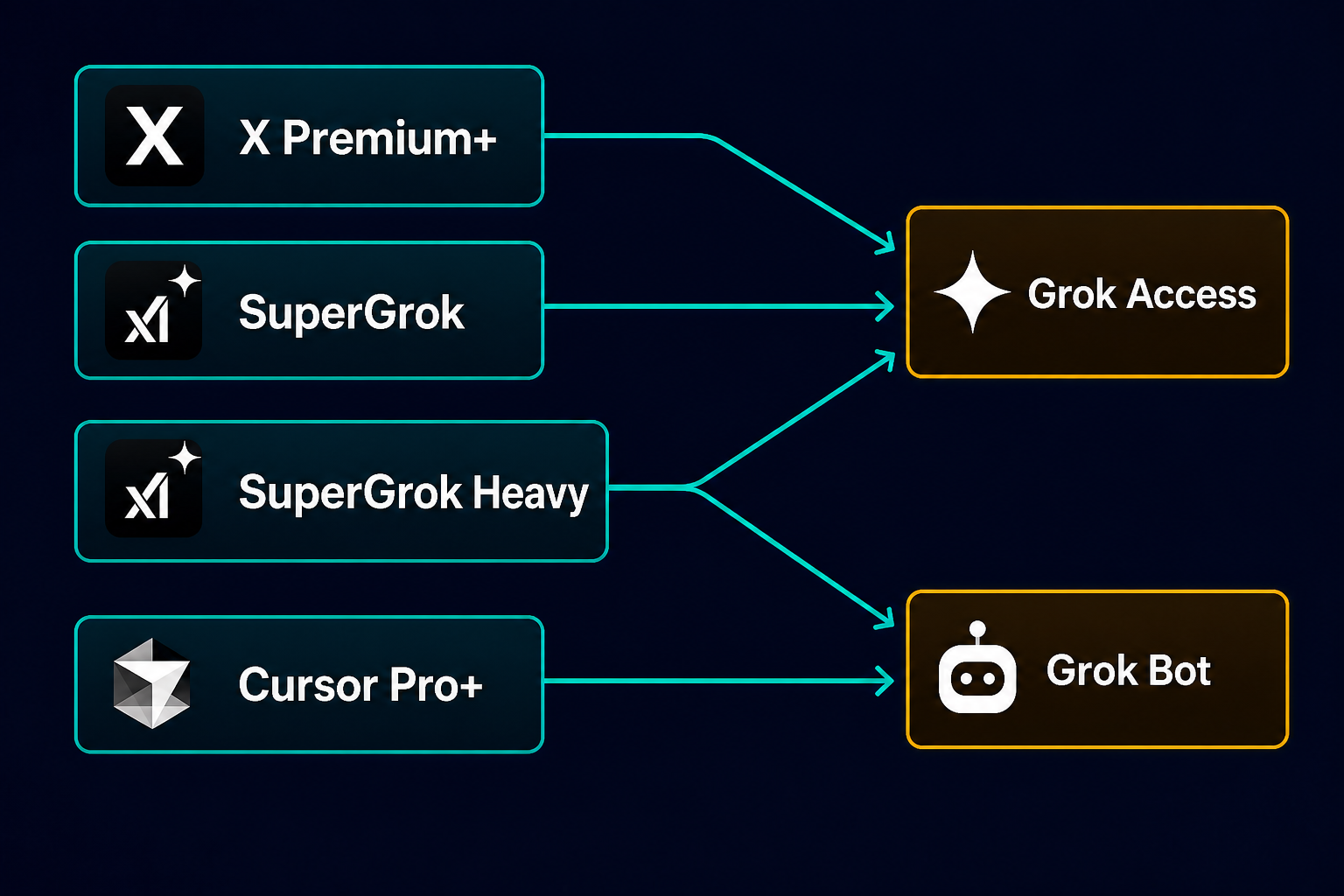
Grok Bot is the persistent named teammate with its own cloud computer. It is not Grok chat and not Grok Build. That distinction cost me a week of assuming the SuperGrok bill covered Bot the way I wanted.
Official Cursor help — the plan matrix Bot actually uses — describes grants like this. See also the Grok Bot guides on x.ai. No token counts. This is the table I use, not the marketing cards:
What each plan actually grants
Takeaway: this table shows which services each plan grants. Exact weekly Bot capacity is still not published as a token number.
| Plan | Price | Services Granted | Upgrade from |
|---|---|---|---|
| Cursor Pro | $20 | Cursor editor + Grok Bot (weekly usage, below Pro+) | |
| SuperGrok | $30 | Grok Access (Chat, Imagine, Voice, Build) + linked Grok Bot (below Plus) | |
| X Premium | $8 | X Premium features + Grok inside X (not SuperGrok; no linked Bot grant listed) | |
| Cursor Pro+ | $60 | Cursor editor + Grok Bot (generous weekly usage, below Ultra) | Cursor Pro |
| X Premium+ | $40 | X Premium+ / X Money + Grok Access + linked Grok Bot (below SuperGrok Plus) | X Premium |
| SuperGrok Plus | $100 | Higher Grok Access (Chat, Imagine, Voice, Build) + linked Grok Bot (below Heavy) | SuperGrok |
| Cursor Ultra | $200 | Cursor editor + Grok Bot (highest weekly usage) | Cursor Pro+ |
| SuperGrok Heavy | $300 | Highest Grok Access + includes X Premium+ + linked Grok Bot (highest) | SuperGrok Plus |
NOTE: Most plans have monthly and annual options. Annual saves some money if you’re sure it’s the right plan.
Rules before you link accounts
Rules that matter if you are about to link accounts:
- Bot usage is metered on the Cursor account.
- A SuperGrok or X Premium+ link is a usage grant, not a second Cursor plan.
- If both Cursor and SuperGrok/X Premium+ apply, Bot uses whichever grant is larger. They do not add.
- The link is described as permanent. Do not link casually.
- When the weekly bar hits 100%, extra work can continue on Cursor on-demand if you enable it and set a spend cap.
- Bot usage is separate from Cursor Models, Other Models, and the grok.com Chat/Imagine/Voice/Build pool.
- If a Bot spawns a Cursor coding agent, that agent can still burn Cursor model pools. “Bot has its own usage” does not mean every downstream tool call is free.
- There is still no public number for “Pro+ = N million tokens per week.”
The holes in token allocation
This is the part vendors will not print. It is also why I stopped treating an upgrade as obvious.
What the docs won’t number
- No published Bot token budget. “Generous, below Ultra” is not a number. You cannot forecast cost, compare Plus to Pro+, or write a procurement justification from the docs. The only ground truth is your usage screen: percent used and reset time.
- Relative ladders that are not proven equal. Pro+ is “generous, below Ultra.” SuperGrok Plus is “generous, below Heavy.” Those sound like the same rung on two ladders. Nobody has published that SuperGrok Plus is larger than Pro+ for Bot. Paying $100 for SuperGrok Plus can be a grok.com upgrade that does almost nothing to the Bot bar you already have on Pro+.
- Four meters, one brand. You can have X Grok limits, the grok.com weekly pool, Cursor Models, Cursor Other Models (Pro+ includes about $70), the Grok Bot weekly bar, Cursor on-demand, and separate xAI API credits. Emptying one does not empty the others.
- Docs lag the product. Grok Bot access expanded twice in August 2026. FAQ pages and third-party blogs still disagree on which plan is the floor. Trust x.ai pricing/news, grok.com, and cursor.com help on the day you buy.
Overflow, linking, and fine print
- “Included usage” is not a fixed SKU. xAI and Cursor both change included amounts. They have already reset weekly Bot bars for everyone after a policy change.
- On demand is the only clear overflow valve — and it is easy to miss. Weekly included Bot usage is the prepaid allowance. After 100%, you are paying incremental usage rates if on demand is enabled. There is no separate “Bot token pack.”
- Linking is a one-way door. Official help: a SuperGrok or X Premium+ link cannot be unlinked or moved to another Cursor account. That is a procurement decision, not a toggle.
- X Money APY and cashback are governed by fine print that can change. Direct-deposit windows, state exclusions, cash-back caps, and sweep mechanics live in terms that need to be checked before you move money.
How I would spend the next dollar
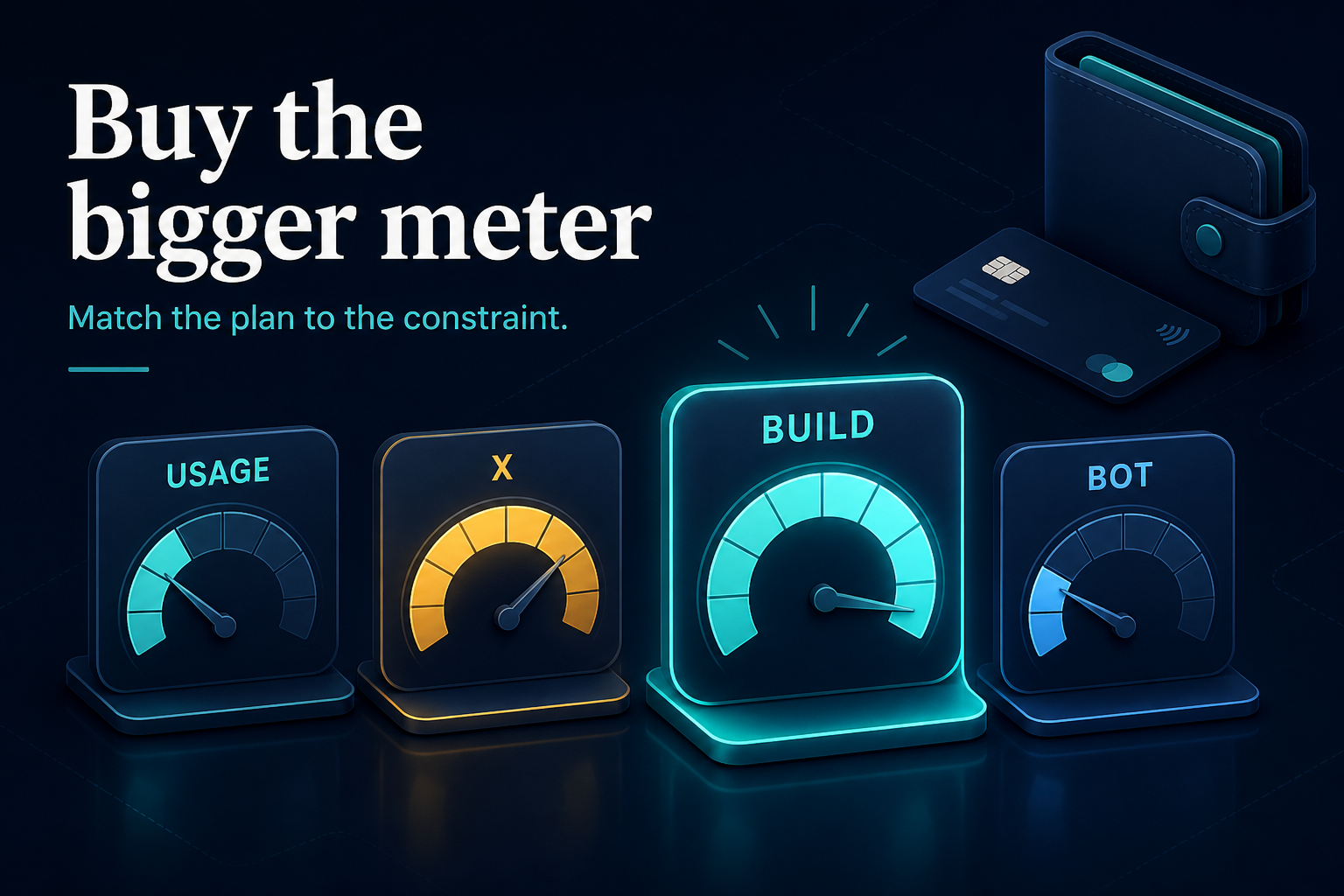
Here is how I would translate that uncertainty into an actual buying decision.
| If this is you | Buy this |
|---|---|
| You mainly use X and want Money + some Grok | X Premium+ (~$40). Link it for Bot only if you also have a Cursor account. Do not expect Ultra-class Bot hours. |
| You mainly want Grok chat / Imagine / Build CLI | SuperGrok ($30) or SuperGrok Plus ($100) if you burn the $30 weekly pool. Skip X Premium+ unless you use X. |
| You already pay Cursor Pro+ and exhaust Grok Bot each week | Raise the on-demand cap. SuperGrok Plus ($100) only helps Bot if the usage screen shows a larger weekly grant than Pro+. Ultra ($200) is a last resort when overflow is consistently in that neighborhood. |
| You want one bill that covers X + maximum Grok | SuperGrok Heavy is the usual “everything” story, at a price most solo operators will not pay. There is still no clean mid-tier SKU that combines X Premium+ with a large Bot grant. |
Takeaway: the next dollar should go only where it solves a specific constraint — X Money yield, AI workload, Bot usage, or on-demand overflow — not into a plan that merely sounds higher.
My next-month decision
My next-month decision is straightforward: keep SuperGrok for AI-first work, keep X Premium+ only because X Money may justify the cost, and avoid any upgrade that does not clearly expand the specific meter I am exhausting.
For Grok Bot, I will raise the Cursor on-demand cap before buying SuperGrok Plus, Ultra, or Heavy unless the live usage screen proves the upgrade materially increases my weekly Bot grant.
I will not link SuperGrok or X Premium+ to Cursor unless I am certain that the Cursor account is permanent, because the link is described as one-way.
Bottom line: do not buy the bigger label; buy the bigger meter.
JDB Consulting — practical notes on tools I pay for. This is not investment, tax, banking, deposit-insurance, or procurement advice; confirm live pricing, account-linking rules, and X Money terms before you move money or link accounts.
2 thoughts on “The Grok Subscription Maze: X Premium+, SuperGrok, Cursor, and the Bot Limits Nobody Explains”
An Engaging Blog Post
Thank you for the comparisons.
My main use is X and Grok within X (though it runs out super quick).
I can’t use X Money.
I wanted to try Grok Bot.
I may start with X Premium+ subscription and see how it goes.