Why I Switched Every App I Build to Grok Build
A few months ago, I shipped a full Travel Log app with ChatGPT 5.5 + Codex. It worked. I used it on a real trip. Then I built a billing/invoicing tool with Grok Build in roughly two hours. That second experience changed how I work.
I’m now moving every internal tool and client prototype (new and old) over to Grok Build. The latest one is a Tax Prep and review app I needed for submitting accounts to the CPA. Here’s why the switch happened, what the new app actually does, and the practical limits I ran into.
The SpaceX angle (yes, it matters)
I own SpaceX stock. That is not the only reason I switched, but it is a real one. When the same company that is iterating Starship is also shipping the coding agent I use every day, the incentive alignment is hard to ignore. Grok Build sits inside that stack. I would rather put my daily tooling and my capital on the same trajectory than keep hopping between vendors whose incentives are purely short-term token revenue.
The technical reasons mattered more, but the ownership made the decision cleaner.
What changed between the Travel app and everything after
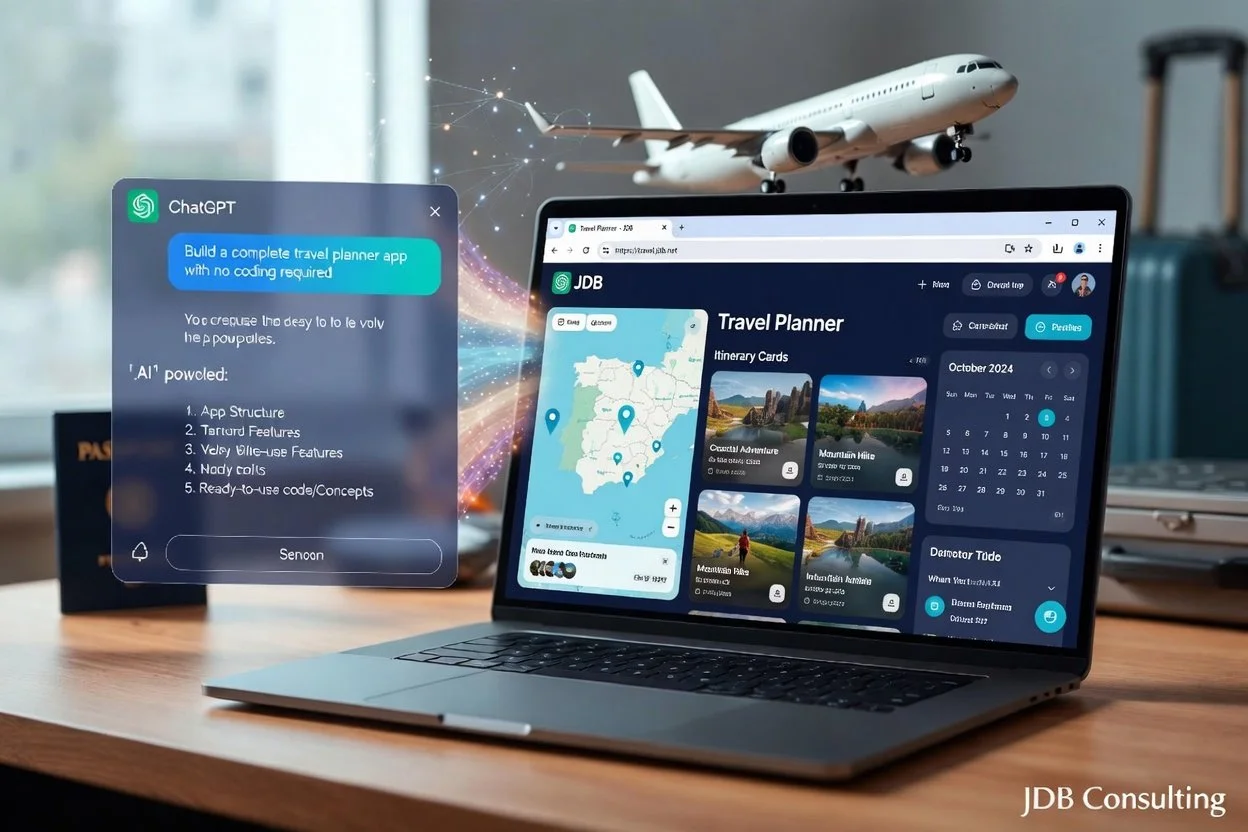
The Travel Planner was classic vibe coding: write a PRD, feed it to ChatGPT 5.5, iterate with precise prompts, test heavily, deploy. It took a focused weekend plus later polish. It proved the pattern works.
Grok Build is a different loop. Terminal agent + Plan Mode + subagents + multi-file edits in one session. It keeps project context, proposes a plan you can approve or adjust, then executes across the codebase without the constant “here’s the next file” hand-holding. For operational tools that need to talk to the real filesystem, PDFs, Excel, local services, and shared storage, that difference is decisive.
I no longer start with “generate the whole app.” I start with the real problem, the real data locations, and the real constraints, then let the agent drive the implementation under supervision.
The latest app: Tax Prep and review
I needed something that could:
Ingest company bank-statement PDFs from multiple banks. Some of the banks in use had only printed statements.
OCR the pages where a download is not available
Parse transactions into clean rows
Let a human categorize (Rent, Deposit, Fee, Other + custom categories)
Exclude noise
Export a CPA-ready Excel workbook with totals, net, and a By Category sheet
Support multiple companies
Be usable by more than one person without standing up a real backend or auth system
The result is a local browser app served by a small Python HTTP server. You open it on the LAN, pick a company, save PDFs to OneDrive, review/edit categories, then export. The spreadsheet lands in the shared output folder ready for the accountant. And this can be done each month so there is not a ton of work to get the info to the CPA after year end.
Making it multi-user without a real multi-user backend
The interesting part for a solo consultant or small team is the collaboration model:
All statement PDFs live under a shared OneDrive for Business tree (Bank Statements\<Company>\*.pdf)
All categorized data, company index, and category lists live in a shared app-data folder inside the same OneDrive library
Each person runs the app locally on their own machine and points their config.json at their synced paths
Exports go back into the same shared tree so everyone sees the latest spreadsheet
No Graph API calls. No custom sync service. Just the OneDrive sync client doing what it already does, plus a local web server that only accepts private/LAN addresses by default. OCR and parsing stay local. Grok Build picked the tools to do the OCR. Results land in the shared folder and propagate.
I’ll be doing more security work to lock down risks later. But reviewing security bottom line: The app is appropriate for a small, trusted team on a private network, but any client on the allowlisted LAN is a full admin over bank data, check images, exports, and invoices. The largest gaps are no auth, filesystem browse/register, and financial data over clear HTTP, not a single exotic RCE in the OCR pipeline. I’ll resolve those issues shortly and update this blog.
That design matched the actual constraint: a trusted internal team that already lives in OneDrive for Business, not a public SaaS product. The code is backed up to a private GitHub repository, and the data is backed up in OneDrive.
Limits and issues (the honest section)
This approach is not magic. The real constraints showed up quickly:
OneDrive sync lag — After someone drops new PDFs or exports a spreadsheet, everyone else has to wait for the client to finish. Files On-Demand is fine, but the files must be available locally when you OCR.
Concurrent edits — Two people editing the same company data at the same time can produce OneDrive conflict copies (filename-ComputerName.json). We treat it as one active editor per company at a time, or we coordinate.
OCR quality — Scanned statements are imperfect. The parser is tuned for the bank layouts we have, but every import still needs human review. That is by design; the app never pretends the OCR, scan and classification is authoritative.
Local compute — OCR is CPU-bound on each machine. Large batches of multi-page PDFs take time. There is no cloud OCR path. Running 7 months of data take about 10 minutes. But that’s time the computer is working while the team can do other tasks.
Security model — The server is LAN-only by default (private IP ranges only). Public internet clients get 403. That is intentional. This is not something you expose to the open internet without additional controls. Also, there is no path to the HTTP server via the firewall.
No real multi-user locking or auth — Shared folders + local servers is simple and works for a small, trusted team. It is not a replacement for proper multi-tenant software with concurrency control.
None of these are surprises. They are the trade-offs you accept when you prioritize speed of delivery and zero new infrastructure over enterprise-grade collaboration features.
Converting the old OpenAI apps
I also had Grok Build convert my earlier OpenAI-built apps over to the Grok Build workflow. That conversion step took roughly 5–10 minutes per app. After the Travel Log was converted, I continued making updates to it under Grok Build, tested the changes, and pushed them live to travel.jdb.net with no friction. The transition was clean enough that I no longer keep a separate OpenAI toolchain for those projects.
Why this is now the default stack
Grok Build’s Plan Mode + subagents let me describe the full system (PDF ingest → OCR → parse → categorize UI → Excel export → shared OneDrive layout → LAN-only server) and get a coherent multi-file result instead of a pile of disconnected snippets. The previous ChatGPT + Codex workflow required more manual glue and more context resets.
For internal tools that have to touch real files, real PDFs, real Excel, and shared team storage, the terminal agent approach is simply faster and more reliable in my hands. I still write the requirements and still own the architecture and security decisions. The agent just removes most of the typing and the file-by-file thrash.
The Tax Prep app is at least as complicated as the Travel App was. But Grok Build let me build it, have the team test it and make sure it was had limited multi-user function in about 4 hours. That’s less than ½ the time it took to build the initial Travel App. As the Travel App was my 1st Vibe Coding experience, there was probable 10%-20% waisted time but for me Grok Build is the way forward for now. Check back to see if I change my mind in the future.
I am not claiming this is the only way, or that it replaces traditional engineering for every problem. For the class of tools I actually ship for myself and for clients—operational apps that need to be correct, reviewable, and in production the same week—the switch has already paid for itself.
If you are sitting on a similar internal pain point (statements, invoices, property ops, client tracking, whatever) and want to see what a focused Grok Build session can produce, reach out. Practical conversation only—no pitch deck.
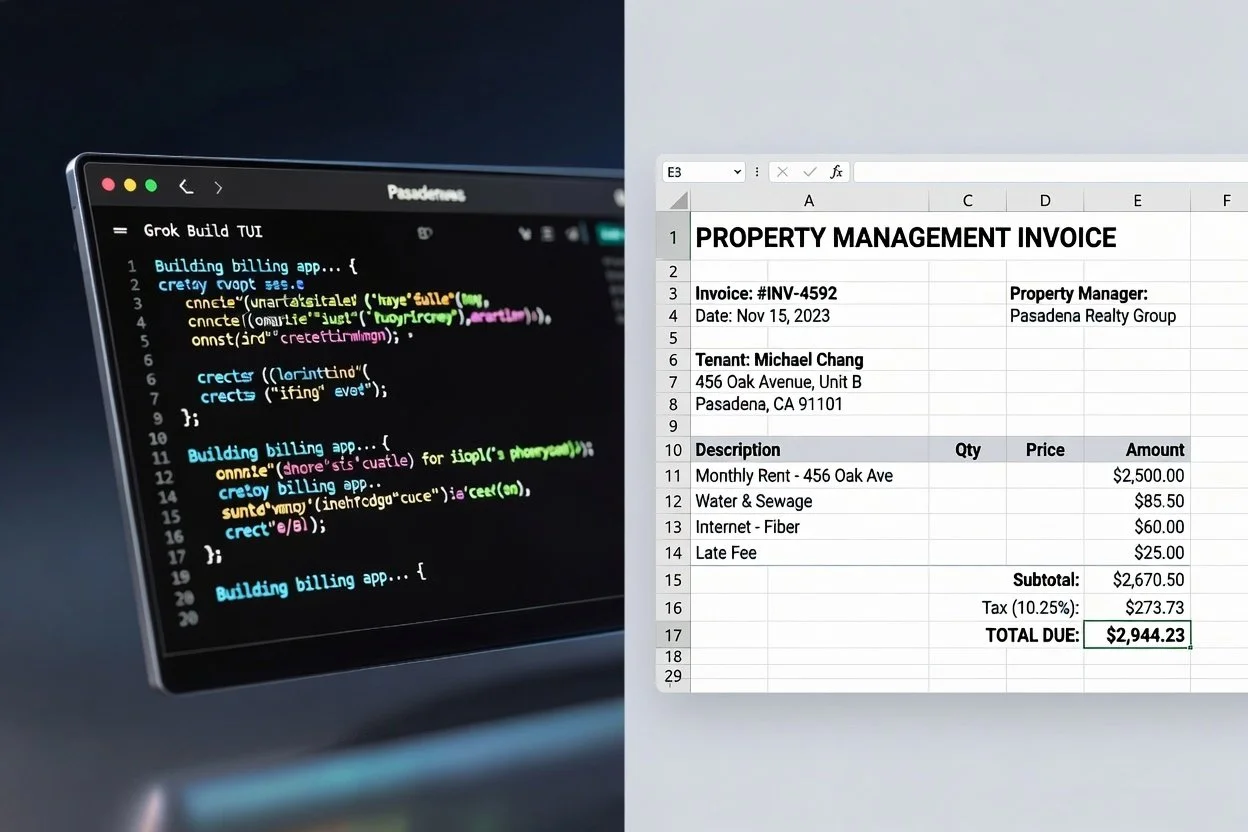
How I Built a Functional Billing App in ~2 Hours Vibe Coding with Grok Build (Terminal Agent, No Traditional Coding)
A couple months back I shared how I stood up a complete Travel Log/Planner app (travel.jdb.net) over a weekend using ChatGPT 5.5. It was a solid vibe-coding experience—full CRUD, search, import/export, PDF generation—and the post got good traction from other IT pros tired of boilerplate drudgery.
This time I wanted something more operational for my property management work. A straightforward CLI app for generating invoices, tracking payments, handling my real estate tenants and client projects, with export options and basic reporting. Nothing fancy, but secure, practical, and useful day-to-day.
The whole thing, including installing and learning Grok Build, took me right around 2 hours. Here's how it went and why this tool feels like a meaningful step up.
The Setup (15-20 minutes)
I asked Grok how to start with Grok Build and followed the simple instructions.
Opened a fresh directory in PowerShell, typed grok, authenticated, and I was in the Terminal User Interface (TUI). No IDE extensions, no project templates to wrestle with. It just read the empty folder and was ready.
First prompt was simple: “Build an app to generate invoices. Include client/project management, invoice creation with line items, payment tracking, PDF export, and basic auth. Prioritize security and clean code.” I told Grok Build where the Excel and PDF invoices I was manually generating were and it used them as a template for the app.
Grok Build went into planning mode, asked a few clarifying questions, laid out the structure, and started building. Subagents handled frontend, backend logic, and even some test data in parallel.
I reviewed generated files, asked for some changes, and iterated with natural follow-ups. The next step was to ask Grok Build to set up my computer to run the app monthly and send me an email indicating that the process was run. Now I have invoices ready to email every 15th of the month.
Finally, I asked Grok Build to backup to my GitHub and remember to update GitHub if I make changeds.
Contrast with the Travel App (ChatGPT 5.5 Era)
The Travel Planner was a great proof-of-concept. ChatGPT handled most of the heavy lifting in the chat window, but I was still copying chunks, managing context manually, and doing more glue work myself. It took a full weekend of back-and-forth because the conversation would drift or lose nuance on larger refactors.
Grok Build feels different right in the terminal:
Deep repo awareness from the start—no need to keep feeding it files.
Plan → Approve → Execute workflow that keeps things disciplined.
Multi-file edits and terminal execution (no install, builds, git commits) without leaving the session.
I stayed in flow longer. The agent handles grunt work while I focus on business logic (like tenant-specific invoice rules or capital gains notes for my properties).
Result: Same “I didn’t really code this” feeling, but faster and with fewer context resets. The Travel app was weekend-warrior mode; The billing app was “I have client work this afternoon” mode.
Grok Build vs Codex: The Real Delta
I’ve used Codex. It’s excellent for generating solid code snippets and filling functions. But it’s still mostly a smart autocomplete on steroids inside an editor.
Grok Build is a full coding agent living in your terminal:
It owns the project lifecycle—planning, architecture decisions, parallel subagents for different concerns, running tests/builds, and even git integration.
Stronger at staying on task across a whole app without constant prompting.
The TUI with Plan Mode and approve workflows reduces hallucinated changes I’d have to chase down later in pure Codex flows.
Security-aware defaults and practical defaults align well with how I work (no fluff, focus on reliability for client-facing or financial tools).
Codex is still great for quick one-offs. Grok Build wins when you want an autonomous partner that treats the entire codebase as context and ships working end-to-end programs.
What I Actually Got
A clean, functional billing app with:
Client invoice tracking
Invoice generation (line items, totals, notes)
PDF exports
Basic auth and data persistence
It’s already handling real data and ready for me to integrate further. Exactly the kind of internal tool that saves me (and potentially clients) hours every month.
Bottom Line
Grok Build isn’t magic—it still requires clear direction and occasional course corrections—but it compresses real development work dramatically. Two hours from zero to usable app is the kind of productivity that makes solo consulting sustainable.
If you’re an IT leader, consultant, or technical founder tired of context-switching between chats and editors, give the CLI a spin. For security reasons I won’t be open-sourcing a version of billing app.